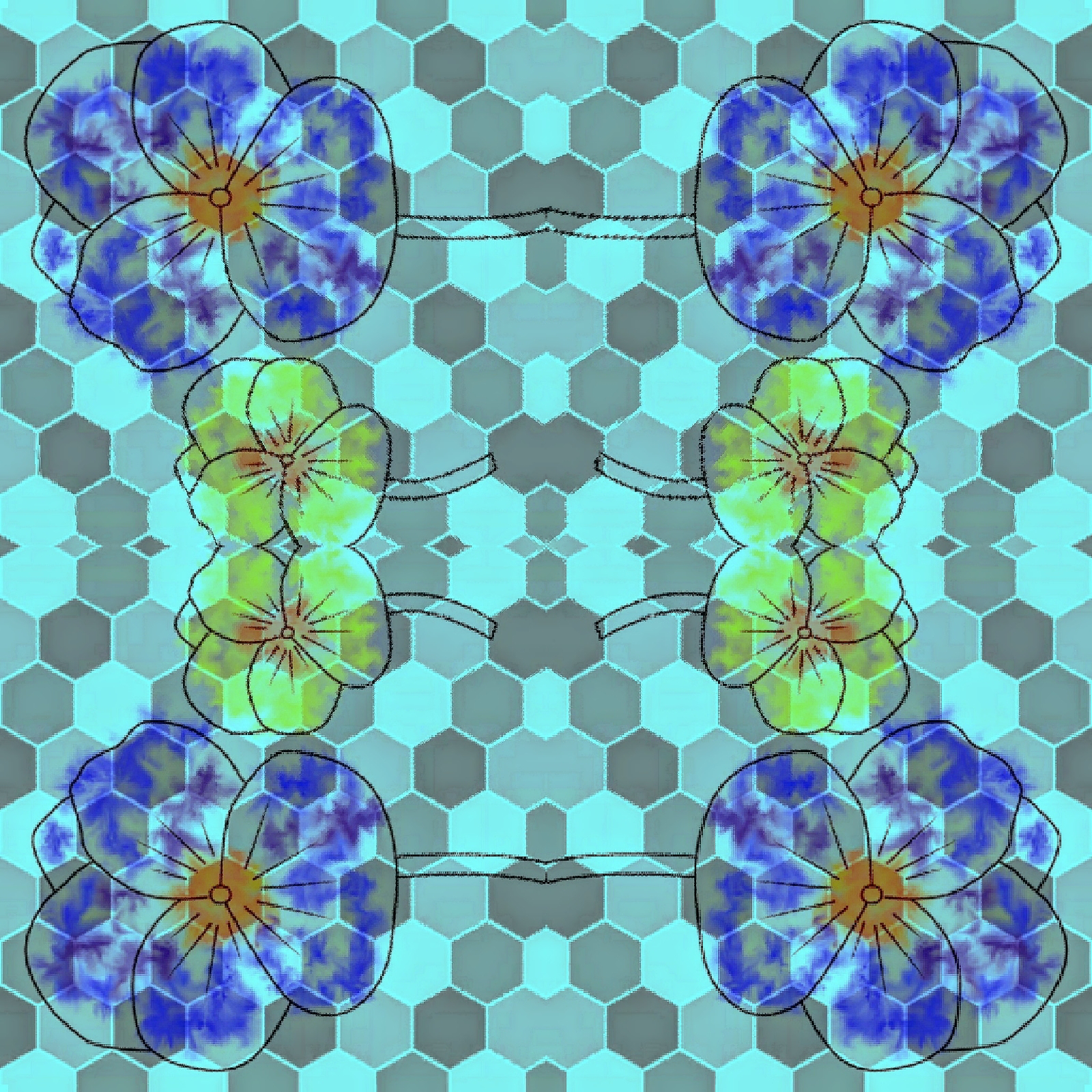
ART is always repeat technique


Digital patterns
We have new introduction of the incredible patterns. This digital pattern was of Watercolor technique digitally portrait with Stich cloth as a background. It is so fabulous. That white color border pattern of the flowers is just amazing and beautiful. It stands out of the beautiful cloth colorful background.

i have once again repeated this Eye for an eye image.
Every where we see a set of wonderful eye 👀 sets. They are worth watching as an Whimsical eyes and facial expressions.
Diagonal Eyes set is more exciting finish as we can in a way draw the pattern tile and then also have the Pattern in variety. So, I chose diagonal style.

Reel on stain glass patterns 

These above pattern tiles as Stain glass is nothing but a wonderful digital art. Which is once again different with watercolor magic ✨. The pattern itself is looking like a stain glass painting.
Well now I have finally done my research on  Art always repeat technique .

Thank you for your time and support in visiting my ipage blog. 

Cheers,
Gcb studios 


Comments

Popular posts from this blog

Concept of Creativity

  The "new concept of creative" generally refers to   an overarching, innovative theme or idea   that serves as the foundation for a project or campaign, moving beyond simple individual ideas to a holistic, memorable message.   Key Aspects of the "New Concept of Creative" Novelty and Usefulness:  Creativity is defined as the ability to produce work that is both original (novel) and appropriate (useful or adaptive to task constraints). Overarching Theme:  A strong concept is not just an entertaining idea, but a foundational idea that can be sustained across various media and over time (e.g., Nike's "Just Do It"). It provides a consistent story and direction for all related communications. Emotional Connection:  Successful creative concepts often evoke an emotional response, which helps in connecting with the target audience and making the message memorable. Alignment with Values:  Modern concepts emphasize staying true to brand or community values,...

InDesign project

  InDesign Graphic Design Key Concepts and Uses Overview: Adobe InDesign is a professional desktop publishing software widely used for creating layouts for print and digital media. It’s a staple tool for graphic designers, especially in editorial, marketing, and publishing industries. Core Uses: Magazine and newspaper layouts Brochures and flyers Books and eBooks Posters and advertisements Interactive PDFs and digital publications Key Features: Master Pages: Create consistent layouts across multiple pages. Typography Control: Advanced tools for kerning, tracking, leading, and styles. Grid Systems: Align and organize content precisely. Linked Assets: Place images and graphics that update automatically when edited. Preflight and Packaging: Check files for errors and gather all assets for printing. Design Tips: Use paragraph and character styles for consistent text formatting. Leverage layers to organize complex layouts. Utilize color swatches and libraries for brand consistency. Expo...

Baseline grid

Here’s a draft document explaining baseline grid design, including an example. Understanding Baseline Grid Design.. What is a Baseline Grid? A baseline grid is an invisible set of horizontal lines that helps designers align text and other elements consistently across a page or screen. Think of it as the “invisible lined paper” for your design, ensuring that every line of text sits on the same horizontal plane, creating a harmonious and organized look. Why Use a Baseline Grid? Consistency: Ensures all text lines up perfectly, making your design look neat and professional. Readability: Improves the reading experience by providing a predictable rhythm for the eyes to follow. Alignment: Helps align images, icons, and other elements with text for a cohesive layout. How to Set Up a Baseline Grid Choose a Base Line Height: Start by selecting a line height for your body text (e.g., 16px or 24px). This becomes the spacing between each line of your grid. Apply the Grid: Overlay the baseline grid...