Hey! Did you ever wonder what questions you should ask yourself while painting?

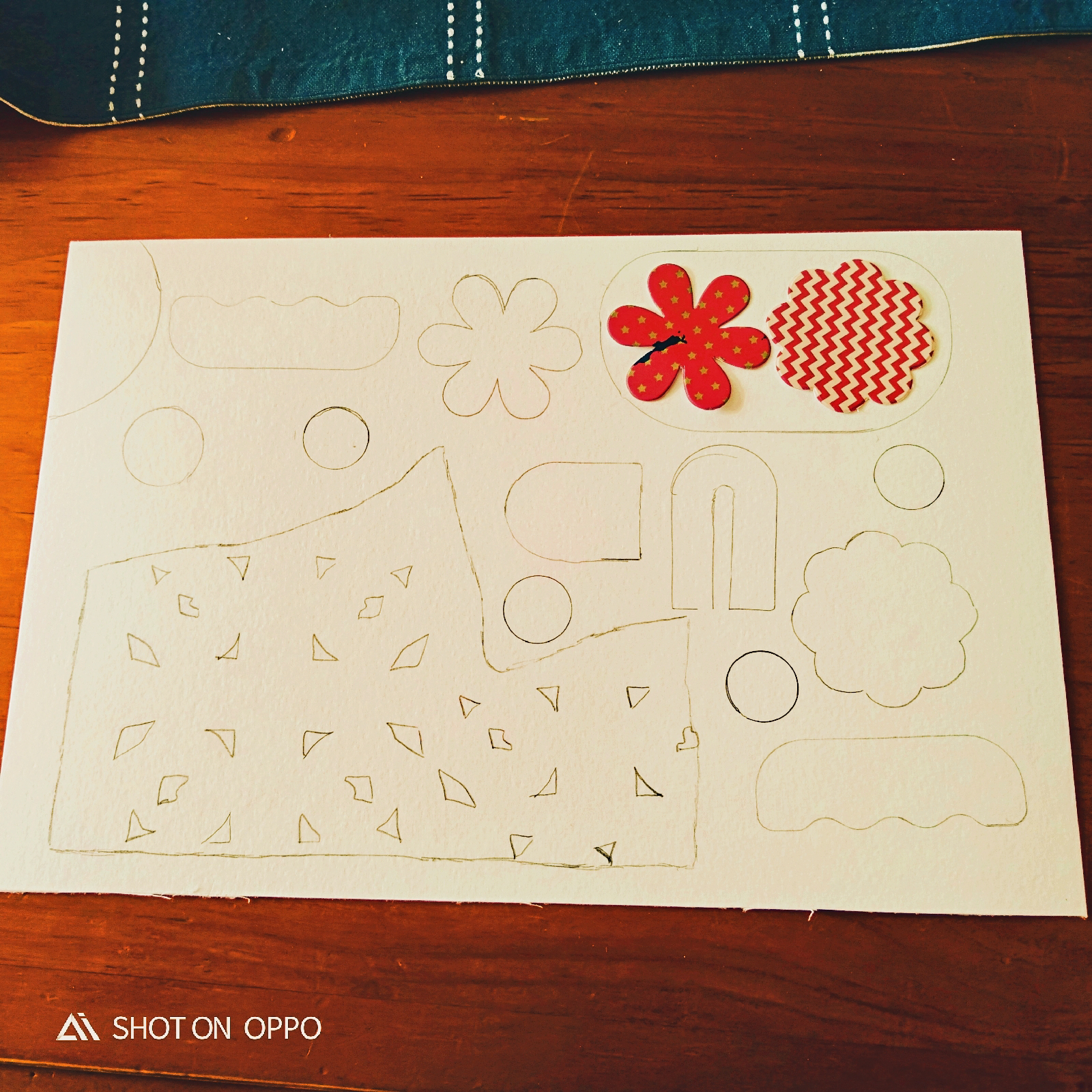
 First, I have gathered all the objects like stencil designs, paper cut outs, plastic holder, and floral designs.

 I got two strong mediums images.

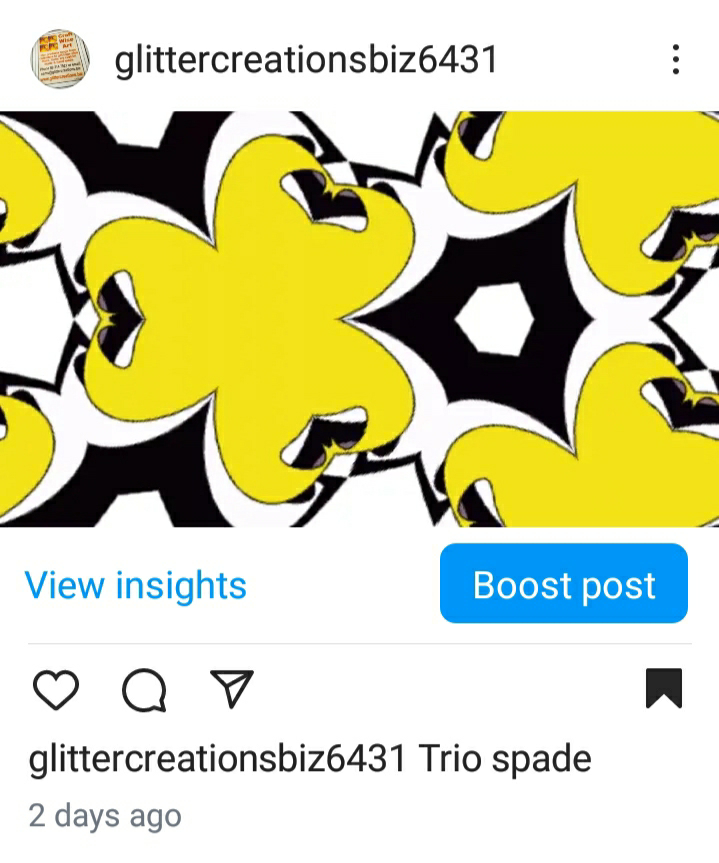 With these images I could turn them into a wonderful diagonal and horizontal repeat pattern.
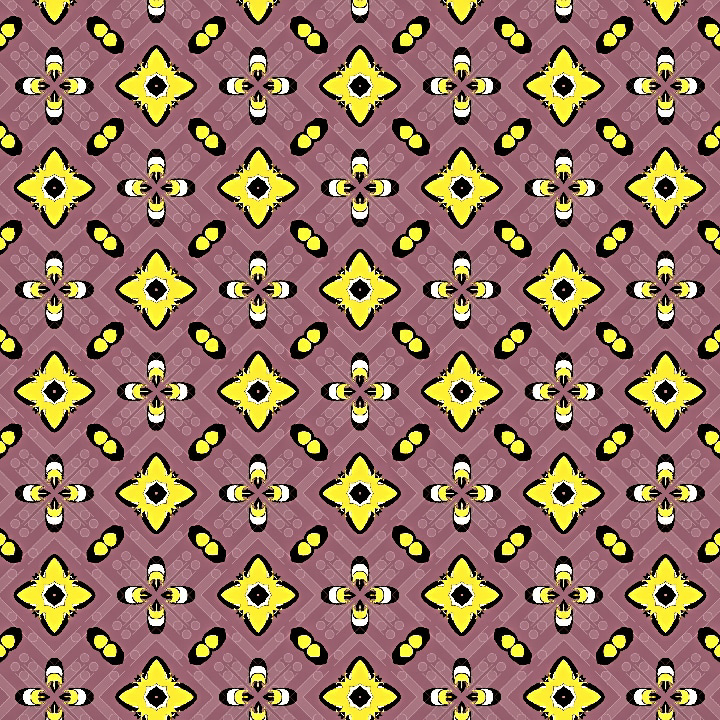

Isn't that good patterns for making a wonderful graphic designs projects.
 Hurrraaaayyyhh!!!!!!!!
- Have you done your research and practice on Watercolor technique.
- What are it's color values
- what do you want from this picture.
- And you want to make any changes or improvement.
- Do you go for masking or crayons
- Is your painting according to what you wanted to be.
- What does your photo look like from a distance
Then, we finally get started with our new project.
Watercolor texture is a visual element that mimics the appearance of watercolor paint on paper. It's often used in design and art to add a creative, organic, and dreamy feel to a piece. Here are some ways watercolor texture is used:
1. Backgrounds: Adds a subtle, artistic background to designs, such as illustrations, graphics, and web pages.
2. Overlays: Used as an overlay to give images or text a soft, watercolor effect.
3. Patterns: Creates unique, organic patterns for fabrics, wallpapers, or digital designs.
4. Emphasis: Draws attention to specific elements, like text or icons, by applying a watercolor texture.
5. Mood and atmosphere: Evokes emotions and sets the tone for a design, conveying a sense of calmness, creativity, or playfulness.
6. Digital art: Used as a base or element in digital paintings, illustrations, or mixed media art.
7. UI/UX design: Adds a touch of elegance and sophistication to user interface elements, like buttons or icons.
8. Print design: Enhances the visual appeal of printed materials, such as posters, business cards, or book covers.
By incorporating watercolor texture, designers and artists can achieve a distinctive, eye-catching look that sets their work apart.
I am going to do is the stencil designs projects.
Second, do the stencil pattern first and then you do your drawing.
Third, you can start your painting with any medium like I have taken Crayons and watercolor.
Finally the Fourth step is repeat or resurface the watercolor paper with your same colors or different ones.
After all this you do your image reading as though you are just a customer trying to figure out this painting.
Last year but not the least keep it in some file or a frame it on the wall.
*The second digital pattern tile is of an Abstract image is a screen shot.
Here are some examples of pattern tile designs in digital format:
1. Geometric patterns: Chevrons, herringbone, hexagons, and triangles in various colors and arrangements.
2. Floral patterns: Repeating designs featuring flowers, leaves, and branches in stylized or realistic forms.
3. Moroccan-inspired patterns: Intricate, ornate designs featuring Arabesque motifs, tiles, and geometric shapes.
4. Abstract patterns: Unique, non-representational designs created using shapes, colors, and textures.
5. Textured patterns: Digital representations of natural materials like wood, stone, or fabric.
6. Mosaic patterns: Images composed of small, colorful tiles or pieces arranged to form a larger design.
7. Paisley patterns: Teardrop-shaped motifs with intricate details and curved lines.
8. Aztec patterns: Bold, graphic designs featuring geometric shapes and tribal-inspired motifs.
These digital pattern tiles can be used in various design applications, such as:
- Website backgrounds
- Social media graphics
- Digital art
- Textile design
- Wallpapers
- UI/UX design elements
One of them is the Arabesque motifs. They are a classic and timeless design element! They feature intricate, curving lines and shapes that evoke a sense of elegance and sophistication.
Here are some key characteristics of Arabesque motifs:
- Curved lines and shapes
- Floral and foliage-inspired designs
- Intricate, intertwined patterns
- Geometric shapes, such as circles and scrolls
- Often feature calligraphic elements
- Typically symmetrical or radial in composition
- Can include natural motifs, like leaves, vines, and flowers
Arabesque motifs have a rich history, originating in ancient Middle Eastern and Islamic art. They're commonly used in various design fields, including:
- Architecture
- Textile design
- Graphic design
- Interior design
- Art and illustration
This one is so much similar to Arabesque motifs.
Isn't that good patterns for making a wonderful graphic designs projects.
It is a Graphic designed Photo collage. And I love to see what the single image do to pattern tile or something like this one a photo collage.
Now, though this is not a watercolor technique but a sketch one. But it has indeed done a good job 👍🏻👍🏻
And let me Thank you all for your time and support in visiting my ipage blog. You all are incredible.
Have a wonderful day ahead ❣️
Cheers,
Gcb studios
Comments
Post a Comment